VIEW SKETCH TOOLS
The tools are located at the top-right of the Sketch workspace.
- Tap the tool. A list of additional types appear.
- Tap to select the tool type, and then tap the Sketch workspace to add the object.
- After the object has been added to Sketch, tap Done.
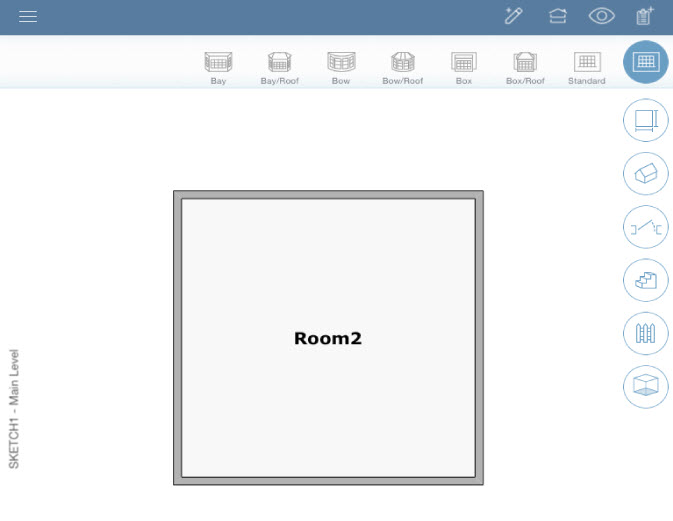
 To increase efficiency, add multiple objects (for example, all of the windows to a room) before tapping Done.